
CAD model overlay on the real part
Augmented reality quality inspection.
Partlign is augmented reality inspection software for incoming and final quality inspection. It overlays the 3D CAD model from your STEP file on the manufactured part or assembly through the camera of a tablet or phone – inspectors see at a glance where reality differs from the model, photograph and describe each finding, and make the call themselves.
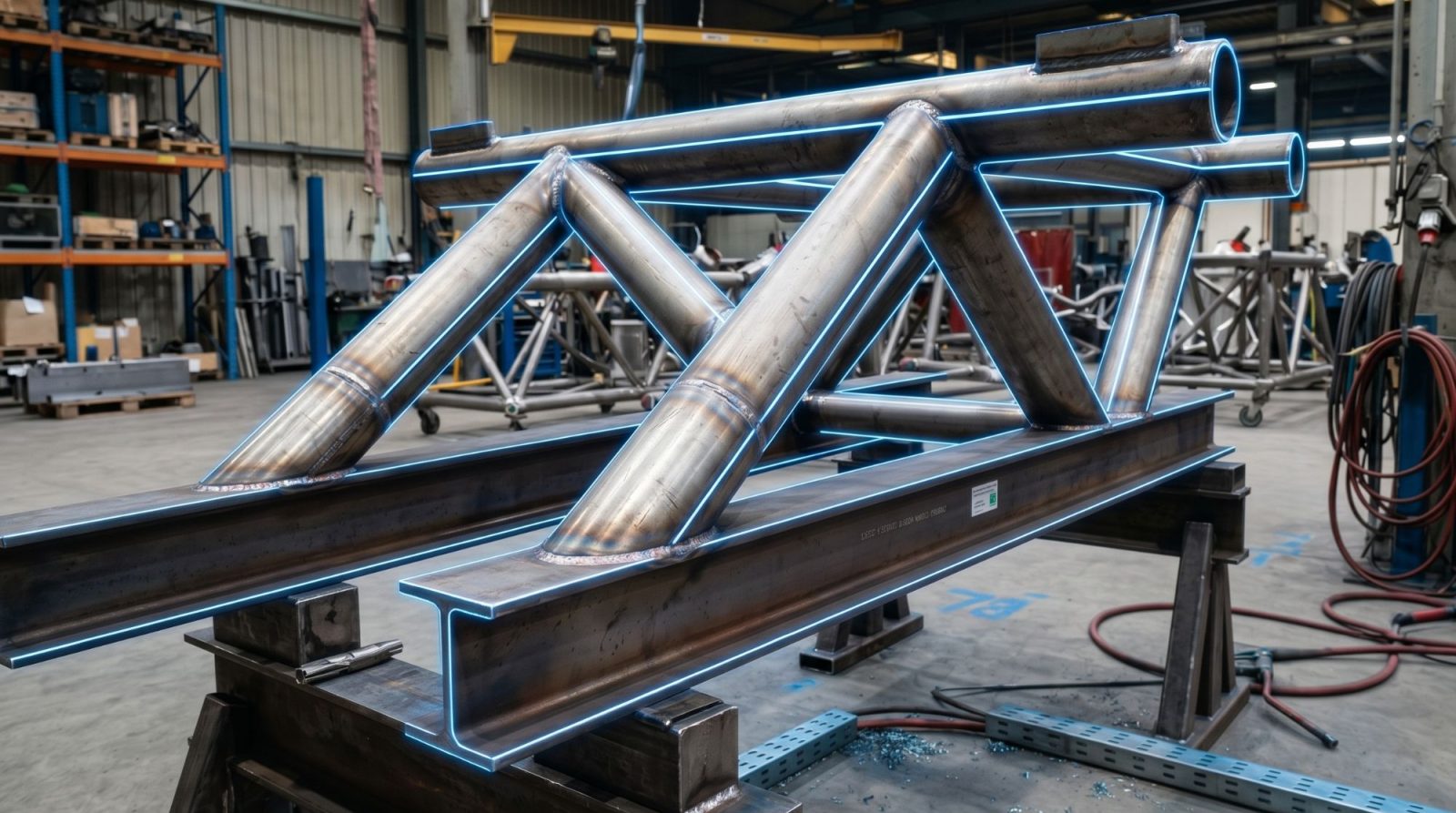
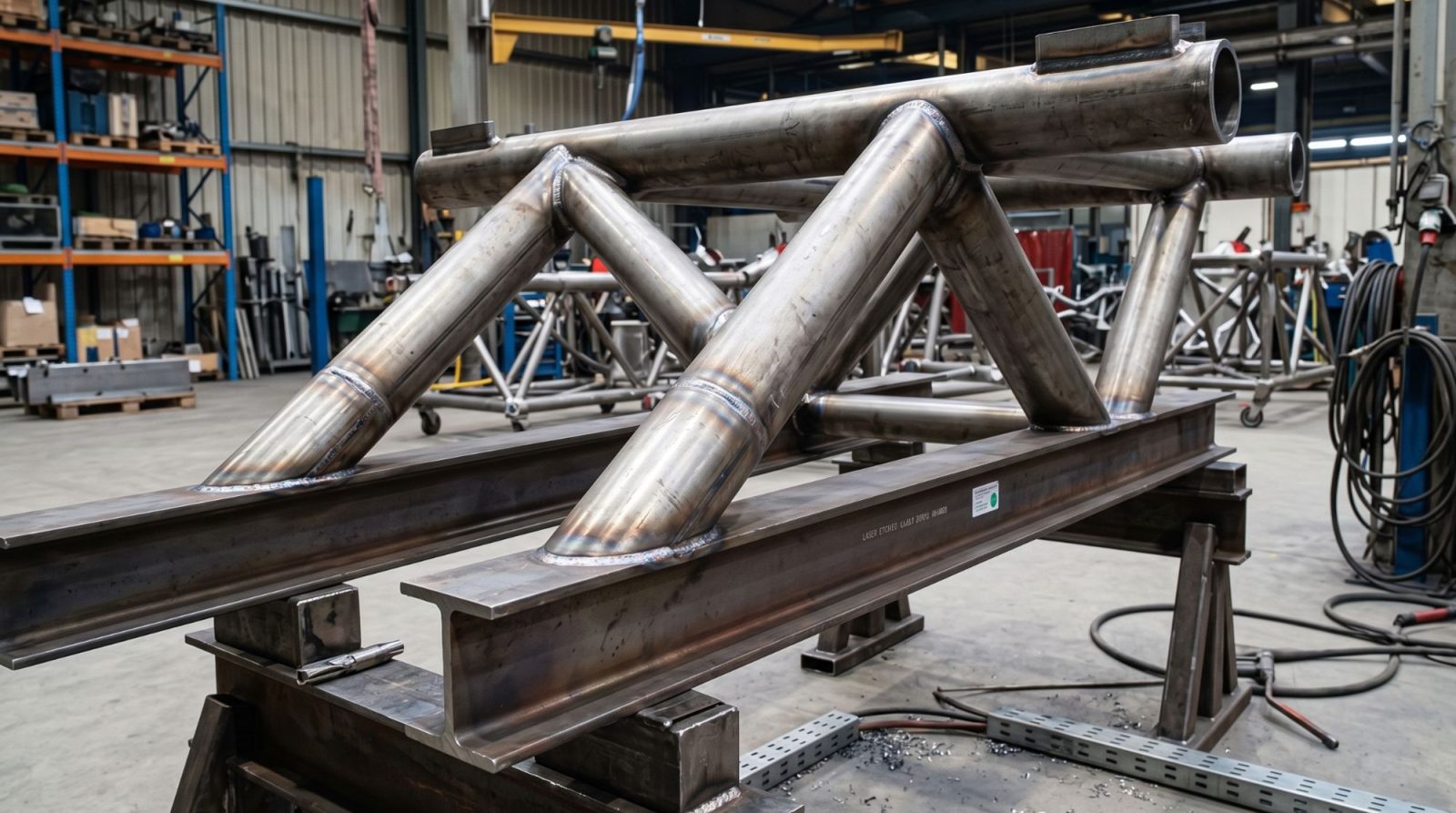
Illustration: welded steel structure – reality on the left, CAD model edge overlay on the right.
How AR inspection works
From STEP file to inspection report
Project from a STEP file
In Partlign for Windows, open a part or assembly model in STEP or STL – even a large assembly – and save it as a project for the tablet. Assemblies keep their individual parts, and fasteners can be left out.
Place the model on the part
In Partlign Inspect, tap the table where the part is lying and the model stands on it. Fine-tune the position with your fingers – move and rotate.
Snap to the part
One tap snaps the model to the edges of the real part. For large parts, confirm the snap from a second position – one step to the side is enough.
Visual inspection and findings
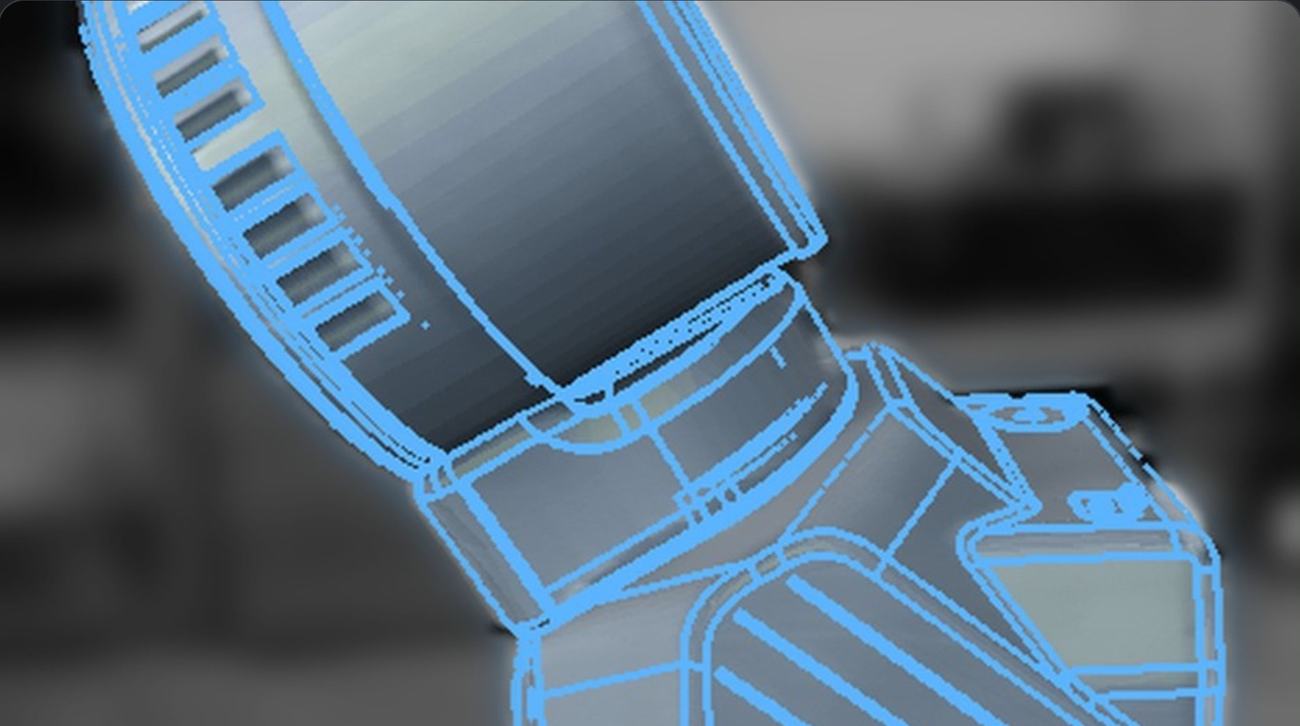
The model stays on the part as you walk around it. Anything that doesn’t match, you photograph, describe and mark up directly on the photo.
PDF inspection report
Every inspection produces a PDF report with the inspected part and photos of the findings, stored on the device and ready to share.
One workflow, one device
What you gain
- ✓No markers, targets or fixtures – inspect the part as it is
- ✓Deviations from the CAD model are visible at a glance, right at the part
- ✓Every finding documented with a photo, markup and note
- ✓The PDF report is created in the app – no rewriting notes
- ✓Models and photos stay on the device, no cloud
Features
Markerless AR that stays on the part
Model tracking on part edges
The model snaps to the edges of the real part and stays there as you walk around it. No targets, markers or part preparation.
From part to inspection report
Model display modes
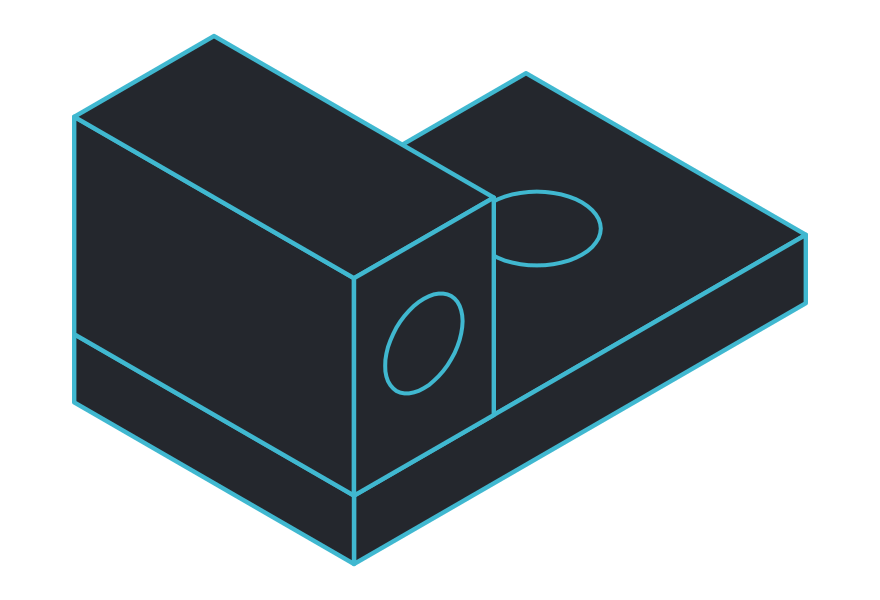
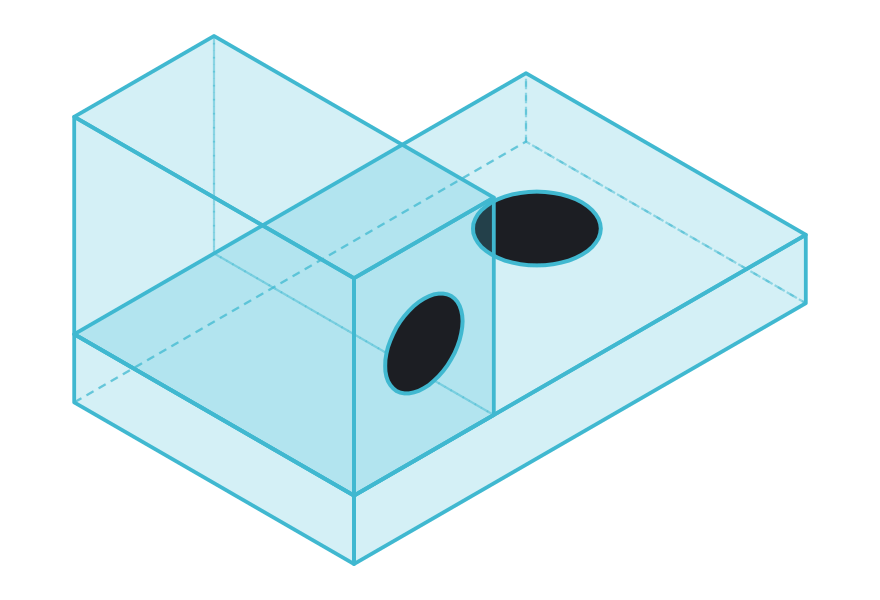
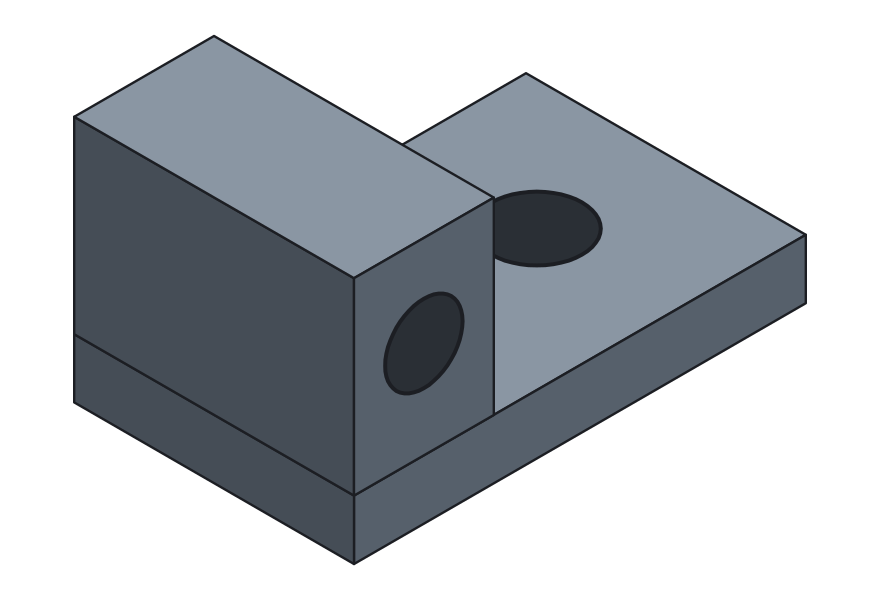
Show the model as an edge outline, transparent or shaded – whatever you need to see on the part.
Snap from multiple positions
For large parts, confirm the position from another spot – one step to the side is enough.
Finding photos
Sharp, high-resolution photos of every finding, ready for the report.
On-device processing
Neither the model nor the photos leave the device – everything runs on the tablet.
Assemblies part by part
STEP assemblies keep their individual parts. The app shows which parts it snapped to, and you can hide or show parts.
Findings with photo, markup and note
Pen in three colors, text and notes directly on the photo. Markup is vector-based, so findings can be edited later.
The inspector makes the call.
Partlign gives no automatic OK / NOK verdict. It shows the model on the real part and helps record findings – the assessment stays with the inspector.
Use cases
Where augmented reality inspection fits
Steel fabrication and weldment inspection
Quickly verify that nothing is missing and everything is in the right place.
Assembly inspection
Assemblies part by part – see which parts the model snapped to.
Incoming and final inspection
Inspect right at the part, with a photo and note for every finding.
Service and warranty claims
Take the tablet to the customer and document findings on site.
AR quality inspection: CAD model outline on the edges of the part
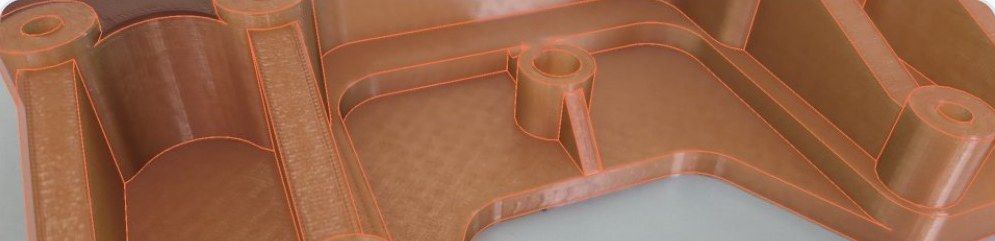
Inspected part in the Partlign app
Devices and specs
Augmented reality app for Android tablets and phones
Samsung Galaxy
Partlign Inspect is developed and tuned on the Samsung Galaxy S26 Ultra. For a larger screen we recommend the Galaxy Tab S12+ tablet.
Other Android devices
Partlign also runs on other tablets and phones with Android 10 or later that are certified for augmented reality. Ask us about yours.
Try it free
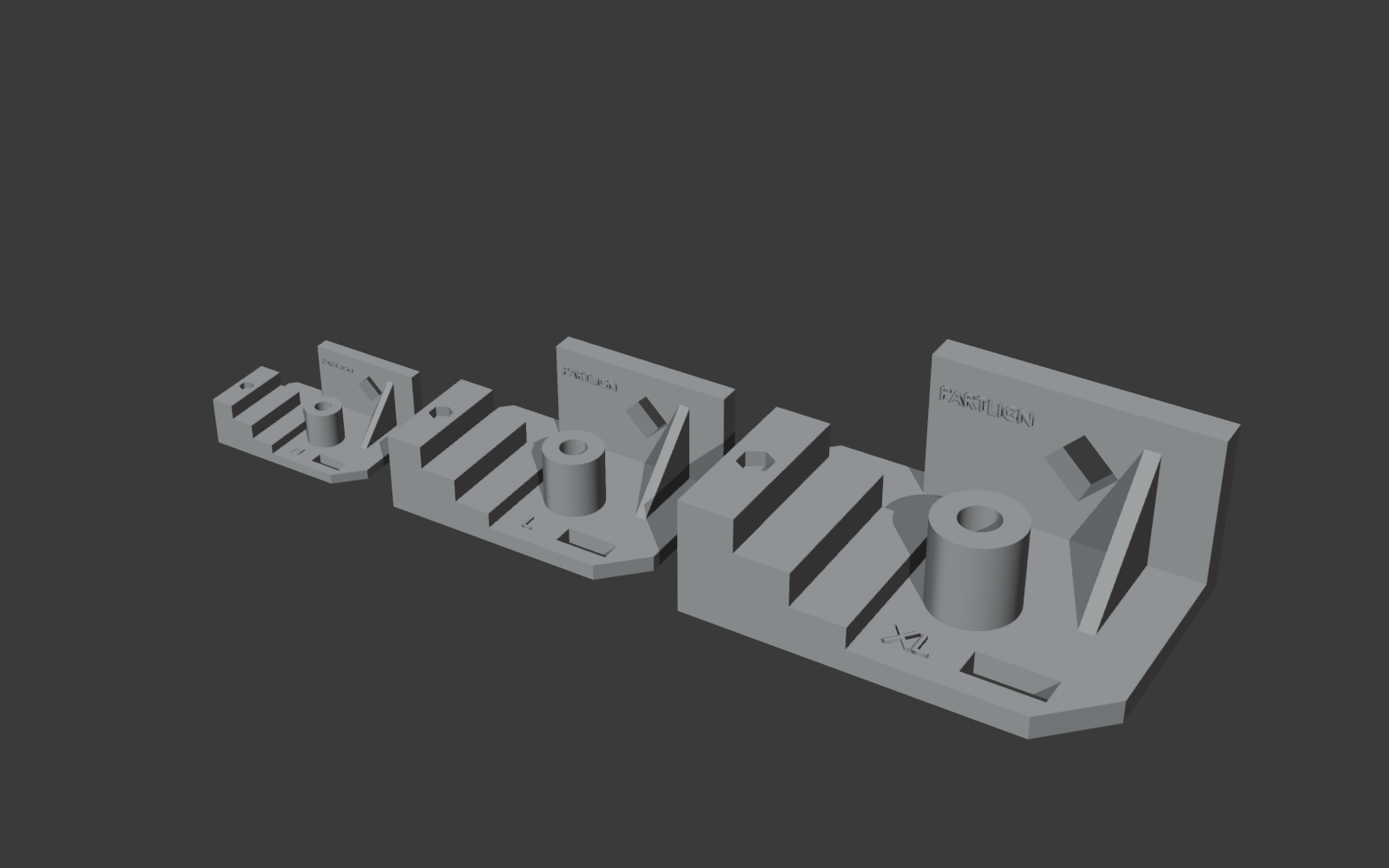
Download a demo part, print it and try Partlign without a licence
Demo mode, no licence
Download the STL here or in the Partlign Inspect app and print it. Then open the same demo part in Partlign Inspect – the whole inspection works in demo mode, no licence needed.
FAQ
AR quality inspection questions
Do I need to stick markers or targets on the part?
No. Partlign uses the CAD model to snap to the edges of the real part and stays on it as you walk around – markerless tracking.
Which CAD files does Partlign open – STEP and STL?
STEP (single parts and assemblies with individual parts) and STL.
Does the app decide whether the part is OK?
No. Partlign shows the model on the real part and helps record findings; conformity is decided by the inspector.
Which Android tablets and phones does Partlign run on?
Partlign Inspect is developed and tuned on the Samsung Galaxy S26 Ultra; the recommended tablet is the Galaxy Tab S12+. It also runs on other Android 10+ tablets and phones certified for augmented reality.
Do our CAD models or photos go to the cloud?
No. All processing runs on the device and your data stays on the tablet, from where you share it as a PDF report.
What does the inspection report look like?
A PDF report with the inspected part and its findings – each with a photo, note and markup.
Can I try Partlign before buying?
Yes. Download one of three demo parts (M, L or XL) as an STL file on this page or in the Partlign Inspect app – they print without supports. Put the printed part on a table and open the same demo part in Partlign Inspect: the whole inspection works in demo mode, no licence needed.
How does Partlign licensing work?
You get a licence for the PC and one for the tablet or phone, each activated with a key or a QR code from the e-mail. A licence can be released and moved to another device, both apps update themselves, and after activation they also work without an internet connection.
What do I need on the PC?
Partlign for Windows runs on Windows 10 and 11 (64-bit) and needs nothing else installed. It turns a STEP or STL model – even a large assembly – into a project for the tablet; fasteners such as bolts, nuts and washers can be left out.
Free demo
See AR inspection on your own part
Tell us which parts you inspect. We’ll prepare a project from your CAD model and show you the inspection on your own part.